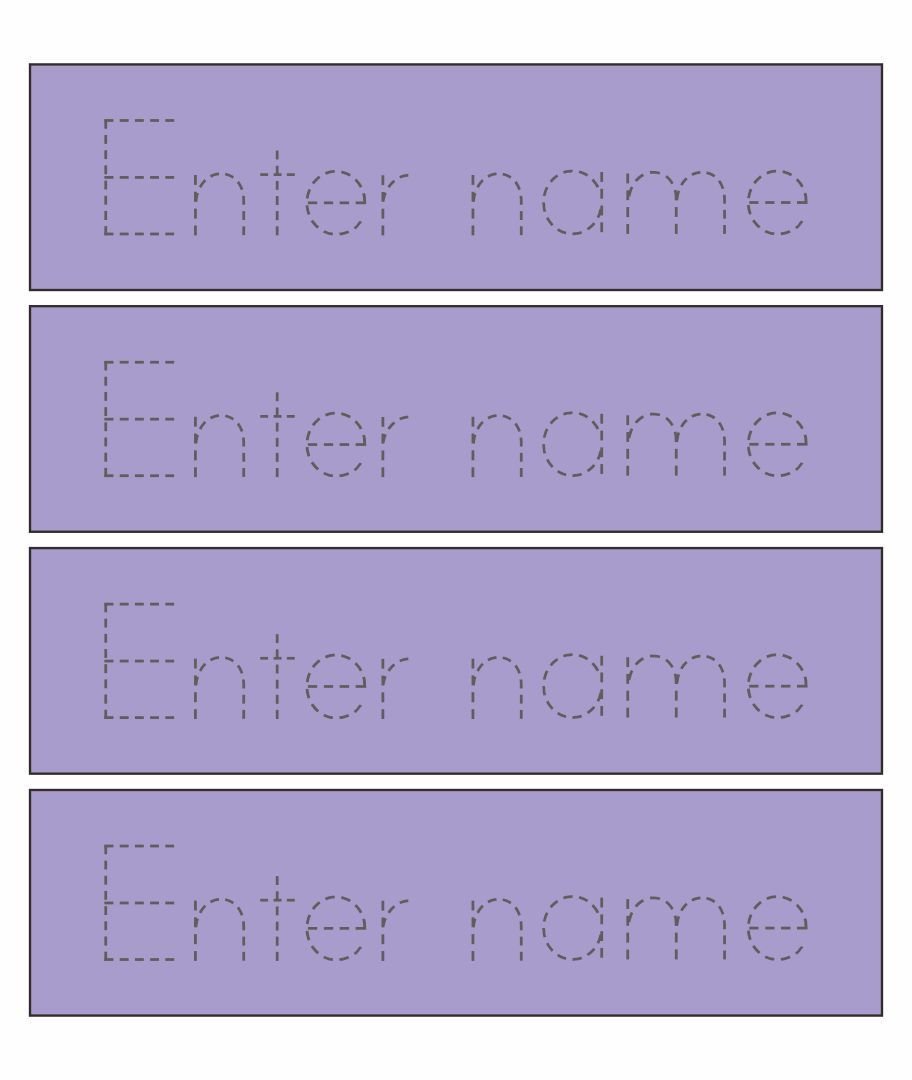
Learning to write is a foundational skill, and for young children, their own name is often the first word they eagerly want to master. A name tracing generator is a powerful digital tool that revolutionizes this early learning process, allowing parents and educators to instantly create custom handwriting practice sheets tailored specifically to a child's needs. Far beyond generic alphabet tracing, these generators provide a personalized, engaging, and effective way to develop pre-writing skills, build letter recognition, and solidify name spelling.
Imagine a tool that lets you generate endless, unique practice sheets for your child in seconds, perfectly matched to their current skill level and interests. That's the core promise of a name tracing generator. It transforms what can sometimes be a repetitive task into an exciting, custom-made adventure in learning.
Unlocking the Power of Personalized Practice
At its heart, a name tracing generator helps bridge the gap between abstract letter shapes and concrete, muscle-memory driven handwriting. By focusing on a child's own name, it taps into their natural curiosity and desire for self-identification, making the learning experience inherently more meaningful and motivating. This personalization is key to fostering early literacy and a positive attitude toward learning.
The act of tracing builds crucial fine motor skills, hand-eye coordination, and pencil grip, all essential precursors to independent writing. It provides a guided path, allowing children to develop confidence with letter formation without the pressure of having to create them perfectly from scratch. To truly appreciate the developmental advantages these tools offer, you can discover name tracing benefits for early writers and understand how they support cognitive and motor skill development.
How Name Tracing Generators Work: A Simple Process
Utilizing a name tracing generator is remarkably straightforward, designed to be intuitive even for those less tech-savvy. The typical workflow ensures that anyone can create high-quality, custom practice sheets with minimal effort.
Here's a breakdown of the common steps:
- Enter Your Text: The first step is always to input the name, word, or even a short sentence you want your child to practice. This immediate personalization is what makes these tools so effective.
- Customize Your Sheet: This is where the generator truly shines. You'll typically find options to choose font styles (like Print, Cursive, or D'Nealian), adjust letter appearance (dotted, dashed, or solid outlines), and select various line styles for tracing or guiding lines. You can also set the number of repetitions, introduce fun themes (animals, space, etc.), pick a difficulty level, adjust font size, and add specific instructions. For deeper insights into tailoring these resources, you'll want to customize tracing for personalized learning.
- Generate and Preview: With your settings selected, the generator instantly creates your worksheet. A live preview lets you see exactly what the final product will look like, allowing for real-time adjustments until it's perfect.
- Save, Print, or Download: Once satisfied, you can usually download the worksheet as a PDF, print it directly, or save it for future use. Many generators offer unlimited access without requiring sign-ups or payments, making them incredibly convenient.
Essential Features to Look for in a Top-Tier Generator
Not all name tracing generators are created equal. While many offer basic functionality, certain features significantly enhance the learning experience and provide greater flexibility for parents and educators. Understanding these differentiators can help you select the best tool for your child's needs.
Key features to prioritize include:
- Extensive Personalization: The ability to input any name, word, or sentence, ensuring truly bespoke practice.
- Diverse Font and Line Options: Multiple handwriting styles (print, cursive) and various dotted, dashed, or solid lines for tracing and guidance.
- Adjustable Repetitions & Sizing: Control over how many times the child practices a word and scalable font sizes.
- Engaging Themed Backgrounds: Options for fun themes (e.g., animals, space, seasons) that can significantly boost a child's interest and motivation.
- Multi-Level Difficulty: Settings that cater to beginners just learning letter shapes, intermediate learners mastering formation, and advanced students practicing sentence structure.
- Custom Instructions and Case-Specific Practice: The ability to add specific directions to the worksheet and focus on uppercase, lowercase, or mixed-case letters.
When selecting a name tracing generator, it's helpful to know what makes one stand out. For insights into the functionalities that deliver real value, here are a few options for the essential features you'll want to prioritize.
Maximizing Learning with Your Tracing Generator
Having a powerful tool is one thing; knowing how to use it most effectively is another. Integrating name tracing generators into a child's learning routine requires a thoughtful approach to truly leverage their potential. This isn't just about printing sheets; it's about creating a consistent, encouraging, and developmentally appropriate learning environment.
Consider these tips for optimal use:
- Start Simple: Begin with just the child's first name, then progress to the last name, and eventually full sentences as their confidence grows.
- Vary the Practice: Don't stick to the same font or theme every day. Introduce variety to keep children engaged and expose them to different handwriting styles.
- Integrate into Play: Make tracing part of a fun activity rather than a chore. Perhaps they trace their name to "sign" their artwork or a letter to a toy.
- Provide Positive Reinforcement: Celebrate every attempt and progress, no matter how small. Encouragement builds self-esteem and a love for learning.
- Observe and Adjust: Pay attention to how your child is doing. If they're struggling, simplify the worksheet; if they're bored, make it more challenging or themed.
To truly get the most out of these versatile tools and foster a love for writing, it's beneficial to explore various strategies. You can learn more about how to use name tracing generators effectively to support your child's journey.
Tailoring Tracing Activities to Developmental Stages
Children develop at different rates, and what's appropriate for a 3-year-old might be too simple or too complex for a 5-year-old. Name tracing generators are incredibly adaptable, allowing you to fine-tune activities to match each child's specific developmental stage. This ensures that the practice is always challenging enough to promote growth but not so difficult as to cause frustration.
- Ages 2-3 (Pre-Writing): Focus on basic strokes, lines, and simple shapes. Large fonts with dotted lines and minimal repetitions are ideal.
- Ages 3-4 (Early Letter Formation): Introduce uppercase letters, then lowercase. Use clear, dashed lines and consider themed backgrounds to boost engagement. Their own name is a fantastic starting point.
- Ages 5-6 (Refining Skills): Move to tracing words, short sentences, and exploring different fonts like cursive. Incorporate guiding lines for proper letter sizing and spacing.
Understanding these milestones helps create a progressive learning path. For a detailed guide on what to expect and how to adapt activities, consider exploring Age-Appropriate Tracing Activities & Milestones for early learners.
Empowering children with the tools to practice their handwriting in a personalized and engaging way sets them up for success. Name tracing generators are more than just a convenience; they are an essential resource for fostering early literacy, boosting confidence, and making the journey into writing an enjoyable adventure for every child. Dive in, experiment with the features, and watch your child flourish as they master their name and beyond.